Why Developers Choose Online SQL Tools
Introduction
SQL is powerful, but real day to day query work is often slower than it should be. Developers need to switch between tasks, new learners need to understand syntax and logic at the same time, and data analysts often handle multiple database dialects in one project. This is where friction appears. A simple report request can quickly turn into syntax debugging, dialect confusion, and repeated copy and paste work across tools.
Many teams face the same pain points. Writing SQL from scratch can feel hard when requirements are vague. Translating queries from MySQL to PostgreSQL can be stressful when functions and date behavior differ. Learning SQL can also become overwhelming when tutorials are disconnected from real use cases. That is why an integrated workflow matters. Instead of opening many desktop clients, browser tabs, and documents, you can manage everything in one place with practical, focused Online SQL Tools.
Online SQL Tools is built around that exact workflow. It combines SQL Generator, SQL Translator, Learn SQL resources, and Text to SQL assistance in a single environment designed for speed and clarity. The result is less context switching, fewer syntax mistakes, and faster delivery from idea to query output.
Key Features
The platform is designed to support the most common SQL scenarios without unnecessary complexity. First, Text to SQL helps you transform plain language requests into executable query drafts. This is ideal when product managers, business analysts, or clients describe data needs in natural language rather than in technical terms. You can move from request to first SQL version in seconds.
Second, the SQL Generator workflow helps you create structured query patterns quickly. Whether you are drafting filter logic, grouping rules, or joins, generation tools reduce repetitive typing and improve consistency. This is especially useful for developers who need to prototype quickly before refining business logic.
Third, SQL Translator features help convert query syntax between dialects such as MySQL, PostgreSQL, SQLite, and SQL Server. This capability is essential for migrations, hybrid infrastructure, and teams that support multiple products. Combined with formatting support, translated output becomes easier to review and debug.
Finally, Learn SQL content helps beginners and intermediate users build durable skills. Instead of reading abstract definitions only, learners can connect tutorials to practical query building and conversion tasks. This bridge between education and execution is a major reason all in one tooling performs better than isolated resources.
Why Use an Online SQL Tool?
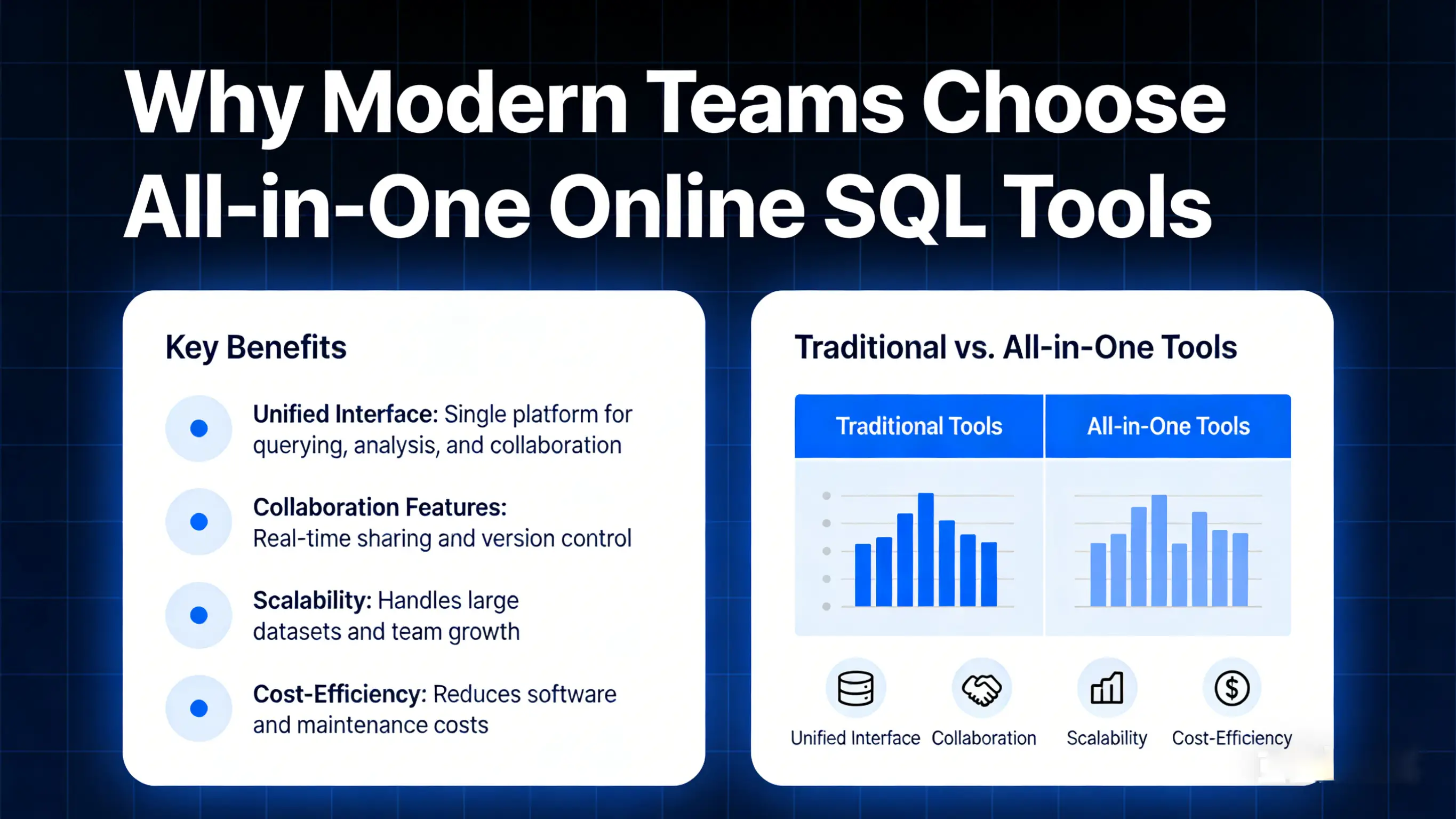
Traditional desktop SQL clients are still useful in some enterprise workflows, but they are not always the fastest option for daily iteration. Installation requirements, version conflicts, and device limitations create delays. In contrast, Online SQL Tools run directly in the browser. You can start immediately, work across operating systems, and keep your workflow portable whether you are on Windows, macOS, or Linux.
Cross platform access is a major advantage for distributed teams. A developer can open a query draft on one machine, continue from another, and collaborate through shared patterns. No long setup checklist is required before productivity begins. For students and self learners, this accessibility is even more valuable because setup complexity often blocks progress in the early learning phase.
Another benefit is workflow concentration. Instead of splitting work between a query editor, a dialect reference page, and a tutorial platform, you can keep generation, translation, and learning in one interface. This unified model reduces mental load and makes SQL work faster, cleaner, and easier to maintain over time.
How to Use
Step 1: Start with your intent. If you have a business request such as finding active customers in a period, open Text to SQL and describe the requirement in clear language. Include filters, date range, and expected output columns when possible.
Step 2: Review and refine. After the SQL Generator output appears, validate table names, field names, and conditions. At this stage, you can adjust joins, aliases, and sorting rules to align with your real schema and performance needs.
Step 3: Translate and standardize. If your target environment uses a different engine, run the query through SQL Translator. Then format the output for readability before sharing with teammates or embedding in application code.
This simple three step cycle supports fast iteration. You can move from plain language to SQL draft, then to dialect specific output, and finally to polished production ready structure with minimal overhead.
Pros and Cons
Pros: The biggest advantage is speed. Online SQL Tools help users generate first drafts quickly and reduce repetitive syntax work. Accessibility is another strength because browser based tools remove local setup barriers. The all in one model also improves focus by combining SQL Generator, SQL Translator, Learn SQL guidance, and Text to SQL in one consistent experience.
Cons: Generated queries still require human review. Edge cases, advanced vendor specific functions, and highly optimized analytics logic may need manual adjustment. Online tools should be viewed as an acceleration layer, not a replacement for deep SQL understanding. When used with this mindset, trust and output quality both improve.
Comparison: Online SQL Tools vs Traditional SQL Clients
Traditional clients usually offer deep database administration features, direct connection management, and advanced profiling. They are strong for operations heavy tasks. However, they can feel heavyweight for quick idea exploration, rapid query drafting, and educational use.
Online SQL Tools prioritize agility. They are excellent for early query design, syntax conversion, collaborative review, and practical learning. For many teams, the best approach is hybrid. Use online workflows to accelerate drafting and translation, then execute final validation in your production grade client or environment.
Quick Comparison Table
| Use Case | Traditional SQL Clients | All-in-One Online SQL Tools |
|---|---|---|
| Quick query drafting | Usually slower setup | Fast browser-based start |
| Cross-database syntax conversion | Often manual and fragmented | Built-in SQL Translator workflow |
| Beginner learning path | Needs external tutorials | Integrated Learn SQL guidance |
| Natural language to SQL | Not native in most tools | Direct Text to SQL support |
| Team accessibility | Depends on local installs | Works across platforms instantly |

FAQs
Q: What is the difference between Text to SQL and SQL Generator?
A: Text to SQL focuses on turning plain language into query drafts, while SQL Generator workflows can also assist with structured query construction patterns during refinement.
Q: Can SQL Translator handle every dialect specific feature?
A: It handles common syntax patterns well, but advanced proprietary behavior may need manual edits. Always test translated output in your target database.
Q: Is this useful for beginners who want to Learn SQL?
A: Yes. Beginners can learn faster by seeing immediate examples, comparing generated query structure, and practicing step by step improvements with clear feedback loops.
Q: Are Online SQL Tools only for developers?
A: No. Data analysts, technical product teams, and students also benefit from fast drafting, conversion support, and practical educational content.
Q: Should I trust generated SQL without checking?
A: No. Treat generated output as a high quality draft. Validate schema mappings, conditions, and performance before production use.
Conclusion
SQL work does not need to be slow or fragmented. With a focused all in one workflow, you can generate faster, translate smarter, and learn continuously in the same place. Online SQL Tools gives modern developers, analysts, and learners a practical path from idea to reliable SQL with less friction and better consistency.
If you want to save time, reduce query errors, and ship data tasks with more confidence, start now. Click the Get Started button above and experience a faster way to build with SQL.